




How to copy only photos/videos without text (or) How to remove all media, leaving only text
Forwading media
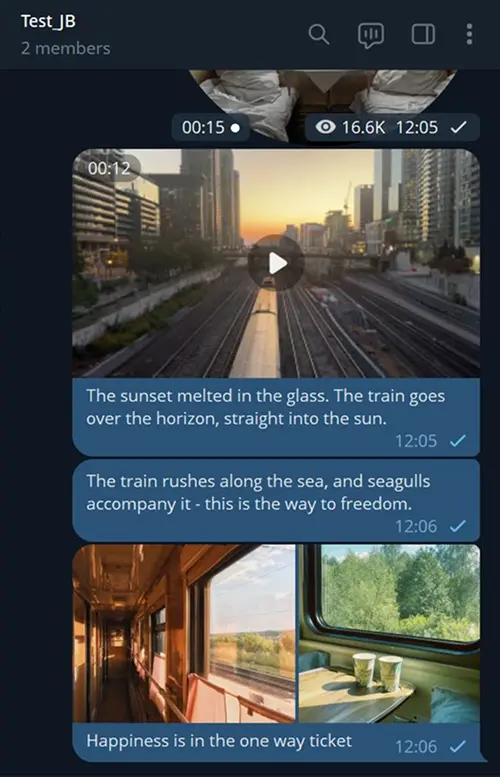
This guide helps you copy only text without attachments, or only media without text. The setting doesn’t block messages entirely, but separates the text and attachment into components.
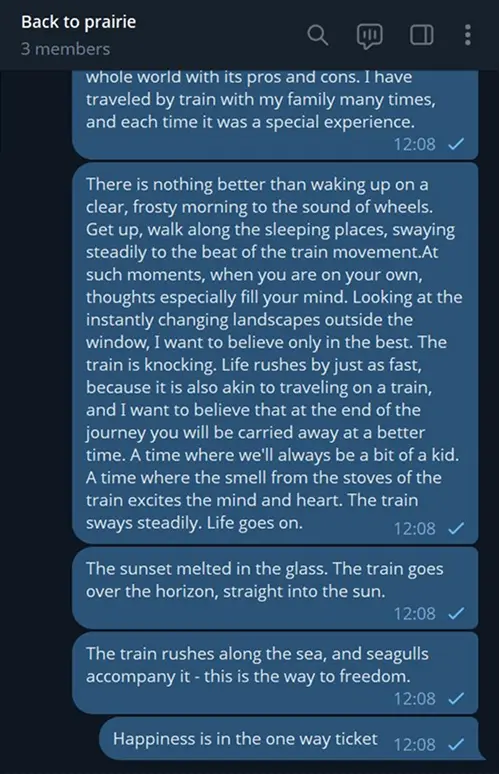
Media Caption will allow you to forward only text part of the message. Please note: if you need to completely remove messages with videonotes, photos, etc. or, for example, pass only messages with videos, use another guide.

Open your chat with Junction Bot and click on Menu.
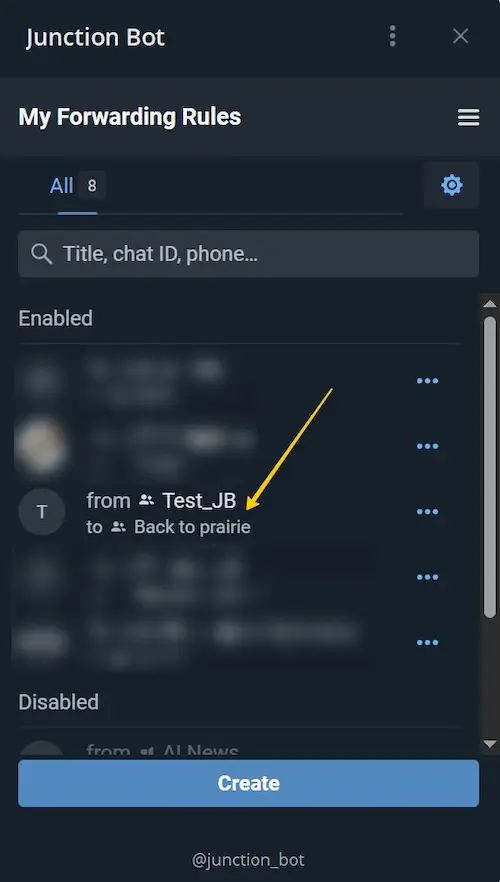
Choose one of the forwards in the list of your Forwarding rules.
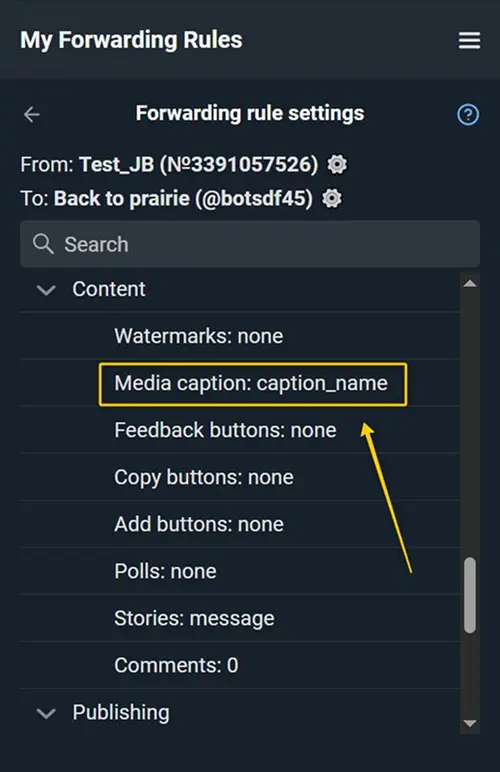
(A) In order for destination to look like in the example - keep only text and remove all media: Find "Media Caption" in the "Content" section.
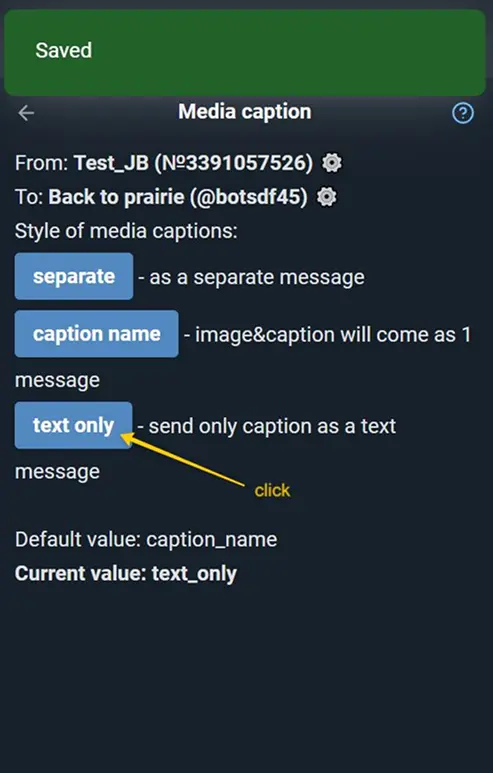
Select text_only to send only the caption part of the message, without the image.
Done! Now only the text part of the message will be forwarded to the destination - without pictures or other media.
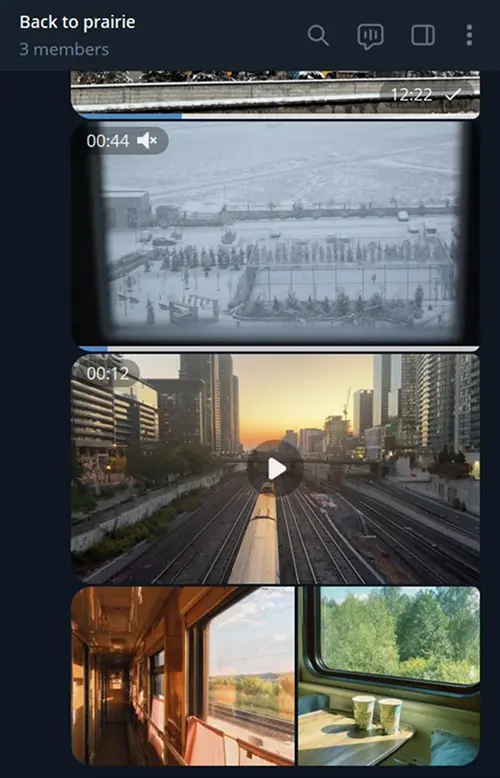
(B) A more complex example: let's try to delete all the text from the channel and send only videos and photos without captions.
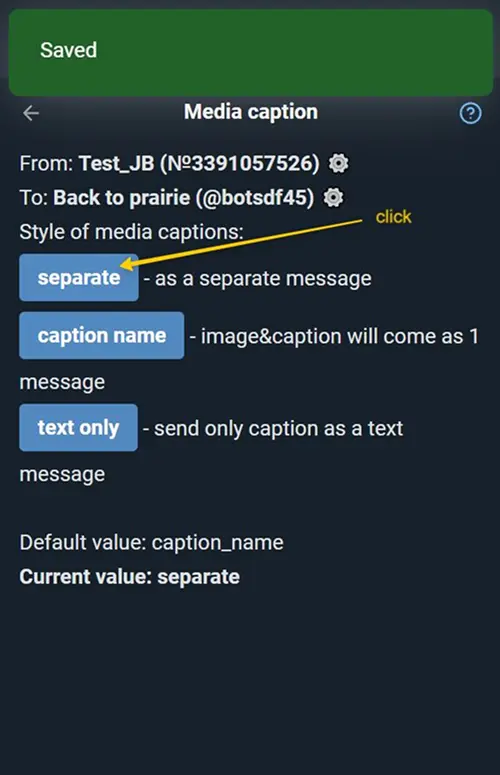
First, select separate option in “Media Caption” setting.
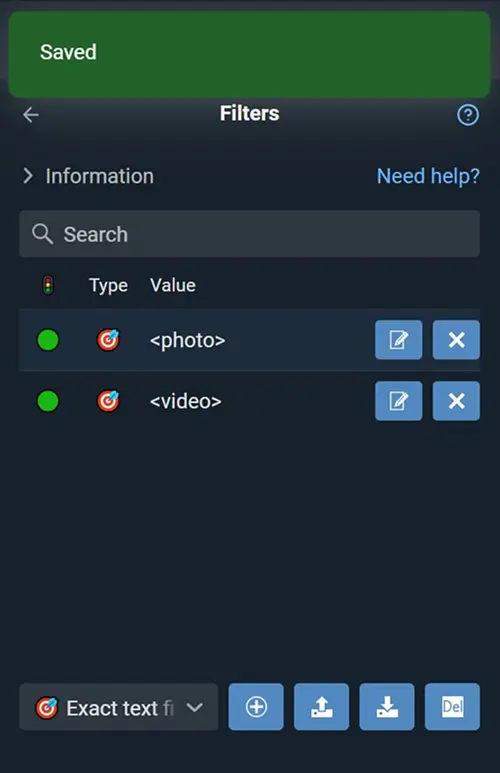
Then go to "Filters" and create allowing text filters <photo> and <video>. For more details: guide Filter by media type.
Done! Now only photos and videos will reach your destination channel.