




How to find leads, clients and potential orders (AI)
AI integration
Let's assume you need to receive messages mentioning orders for design, layout, logos, and so on. The main goal is to quickly and massively aggregate potential client requests from Telegram chats for their further processing by the sales department. This guide will help you to set up an efficient lead generation funnel.

Open your chat with Junction Bot and click on Menu.
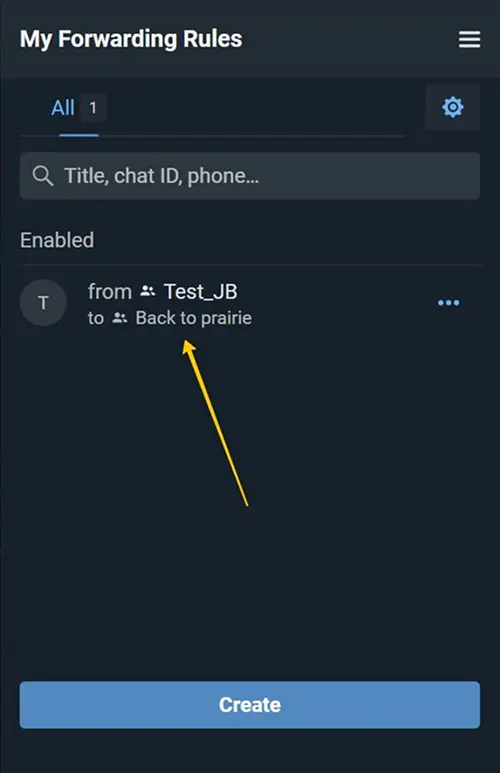
First of all, you need to create a forwarding rule by following the guide: How to create a forward from an open source or How to create a forward from a closed source
Source: a chat from where you want to receive leads, customers, and orders.
Destination: a chat to where you want to receive leads, clients, and orders.
Next, you go to the forwarding settings.

To find potential clients, we recommend using a combination of AI for message processing and filtering. First, find the “AI Processing” section in the settings.
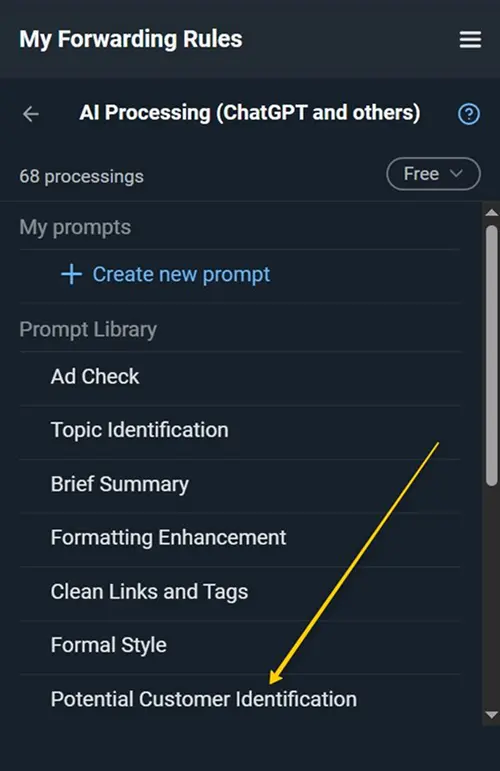
Select the prompt “Potential Customer Identification” from the Library.
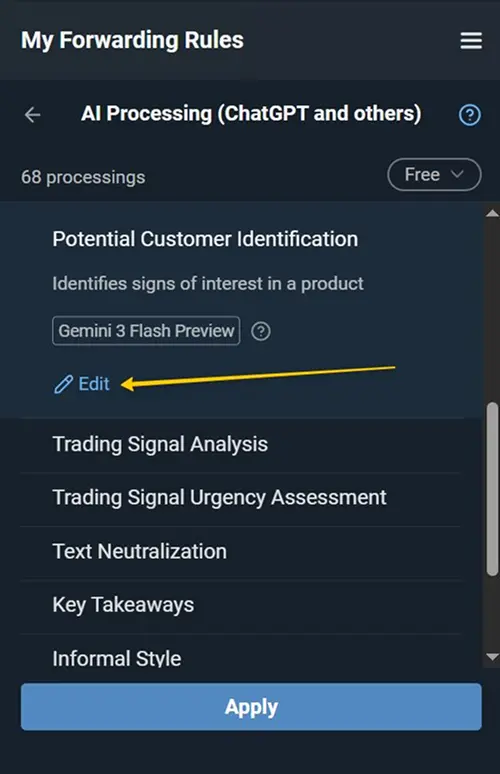
You can Edit the prompt to customize it for your special case.
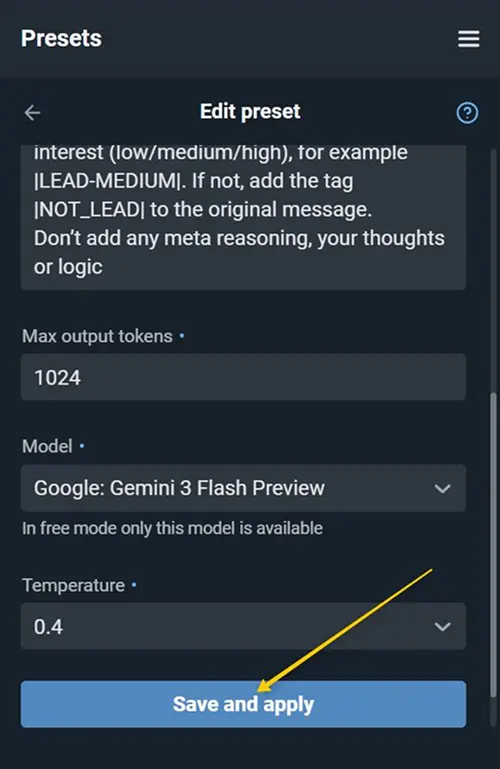
After editing the preset, “Save and apply” the selected prompt.
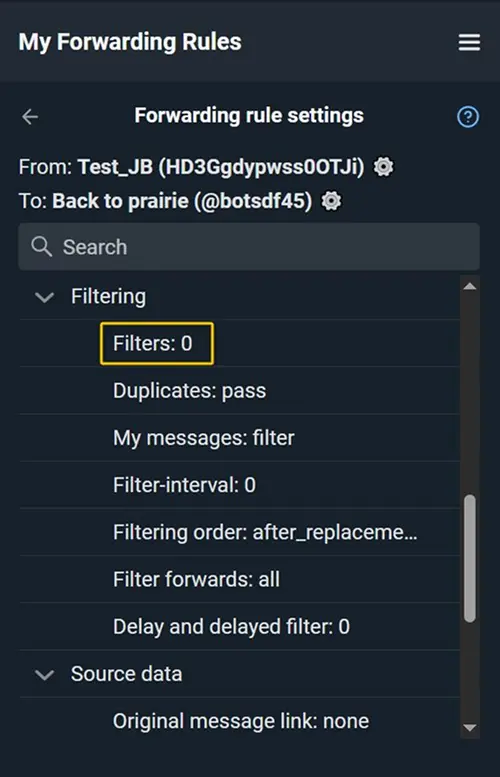
Open the “Filters” section in the settings.
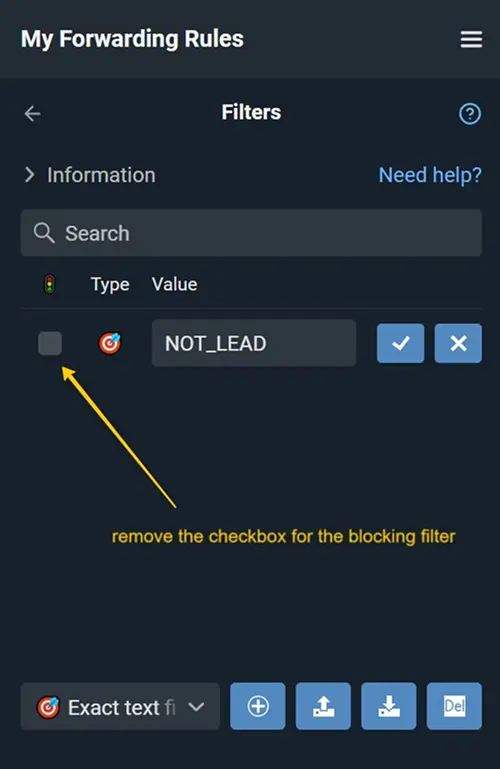
Add a blocking Exact text match filter for the word “NOT_LEAD” specified in the prompt.
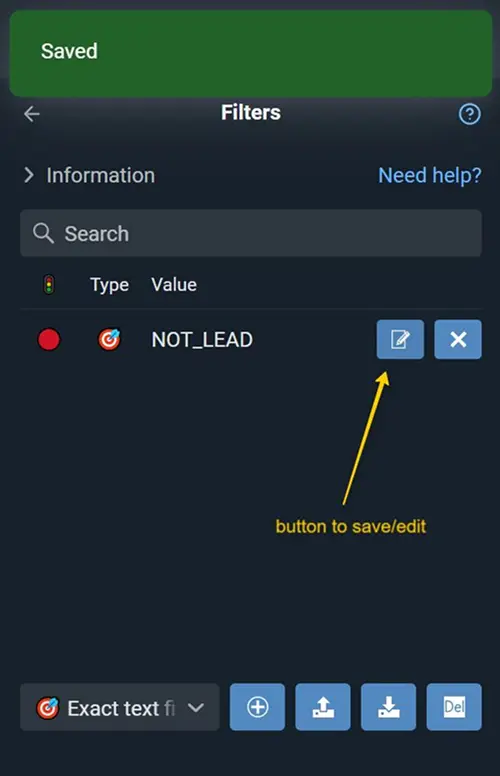
Save the filter.
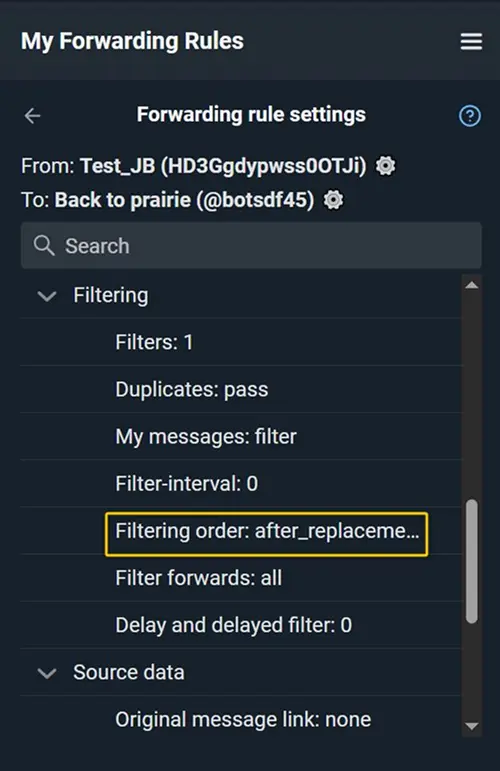
Find the “Filtering Order” setting.

Set the value to: after_ai. Thus, after AI processing the message will be checked for the word “NOT_LEAD”. If a match is found, the message will be automatically filtered out and won’t be forwarded to the destination.
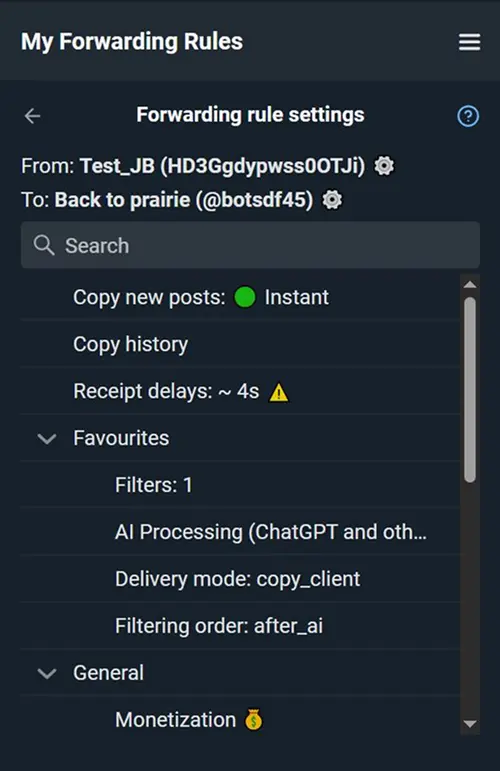
Make sure the delivery mode is set to: copy_client or copy_bot. This is required so the bot can modify the message text. Done! Smart AI-based ad filtering is now configured.
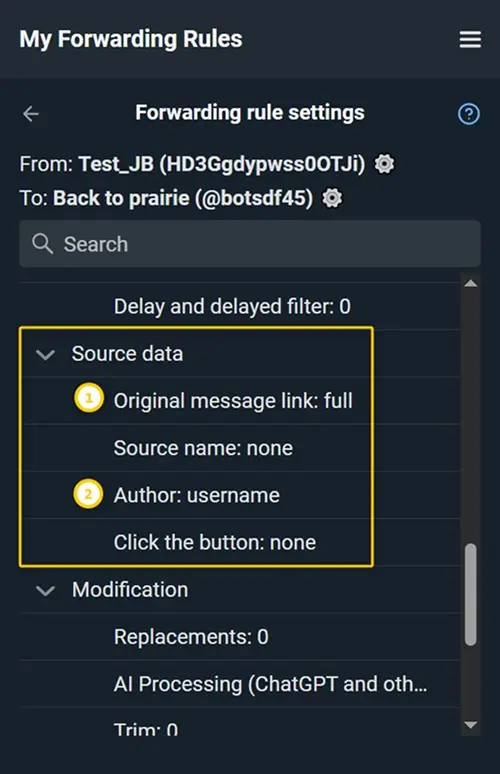
In order for an active link to the customer to appear in the destination order message, you can add Source data:
1. Original message link (full)
2. Author (@username/full)